One product.
A world of possibilities.
Your AI creative studio. Turn product photos and visual references into campaign imagery, with your direction at the center.
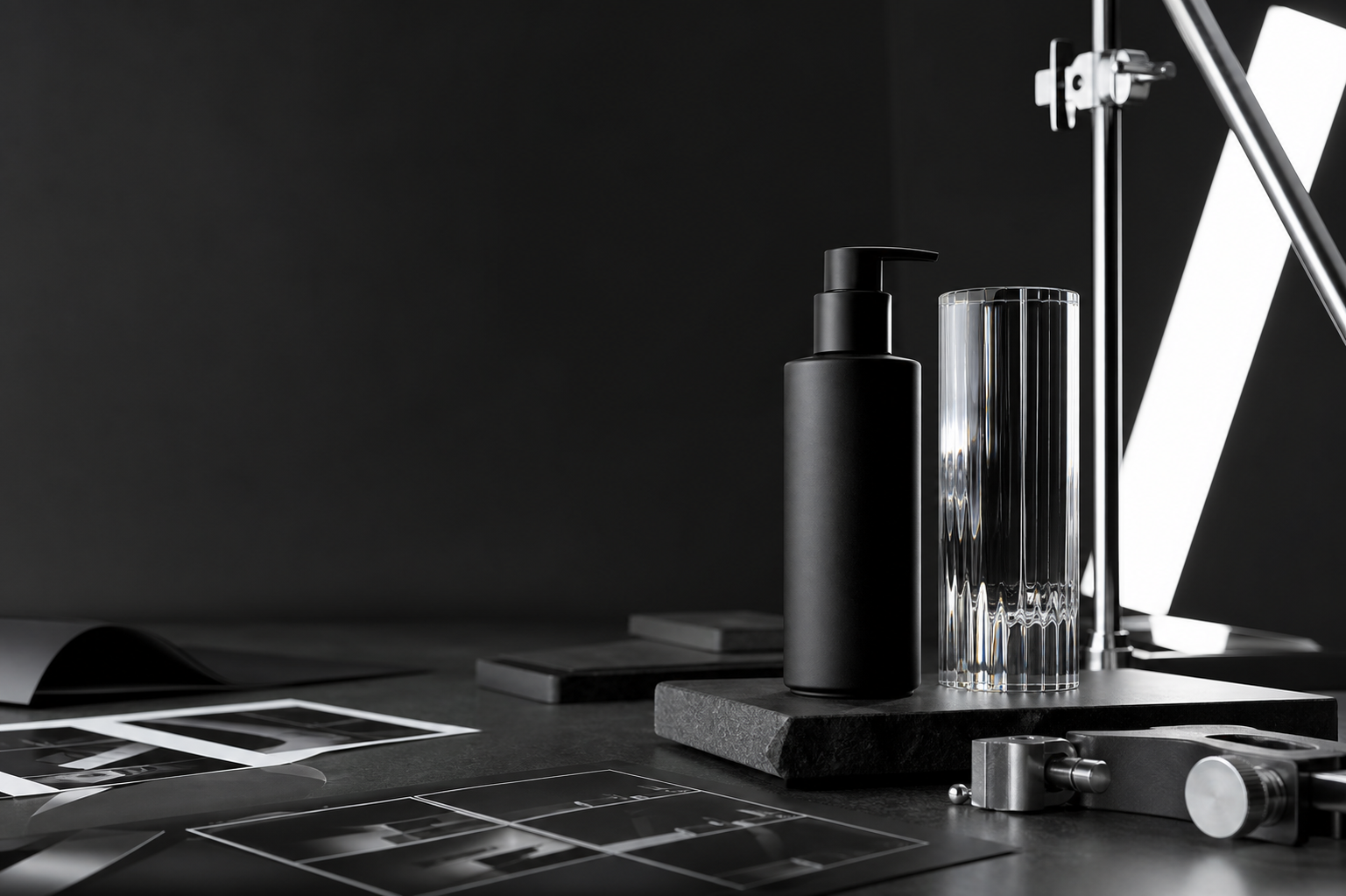
The product stays.
The possibilities expand.
One workspace. From first reference to final edit.
- Product photography
- Image editing
- Video
- Brand memory
Direction in.
A visual system out.
Skapir gives your product a point of view. Start with the object, bring a reference, and build a family of images that feels intentional from the first frame to the final placement.
01
Protect the product
Begin with the packshot and retain what must be true about the object.
02
Set the direction
Bring a reference, choose a visual language, and make the art direction yours.
03
Build the campaign
Produce scenes, formats, and variations that belong to one considered system.
Find your visual direction.
A selection of visual references. Explore the mood, styling, and composition you could bring to your next campaign.

After hours
Streetwear editorial

Everyday, reimagined
Lifestyle direction

Off the rack
Fashion campaign
A small creative department in one workspace.
Art Director
Shape the brief, reference, scene, lighting, and visual intent.
Photographer
Create product-led imagery with controlled composition and campaign consistency.
Designer
Turn the strongest frames into launch graphics, posters, and social systems.
Retoucher
Make the final adjustment, crop, variation, and export without losing the original.
Make room for
your next idea.
Choose the plan that fits your creative workflow. Compare current pricing, credits, and features in one place.
Be part of
what comes next.
Join the waitlist for product updates, rollout access, and new creative workflows from Skapir.
Join waitlistStraight answers.
How is Skapir different from text-to-image tools?
Skapir starts with your real product and visual references, then helps you direct a consistent campaign around them.
Can I use the outputs commercially?
Yes. The workspace is designed for brands, agencies, and creators producing commercial campaign assets.
How do credits work?
Credits are deducted by generation type. Your workspace shows the estimated cost before you generate.
Can I organize work by campaign?
Yes. Campaigns, folders, asset metadata, downloads, and project workspaces are built into the product.